
Quickly add a popup
Sign into your site.
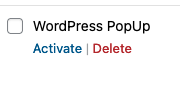
Select Plugins and find the WordPress PopUp plugin and activate it unless its already active- as screenshot
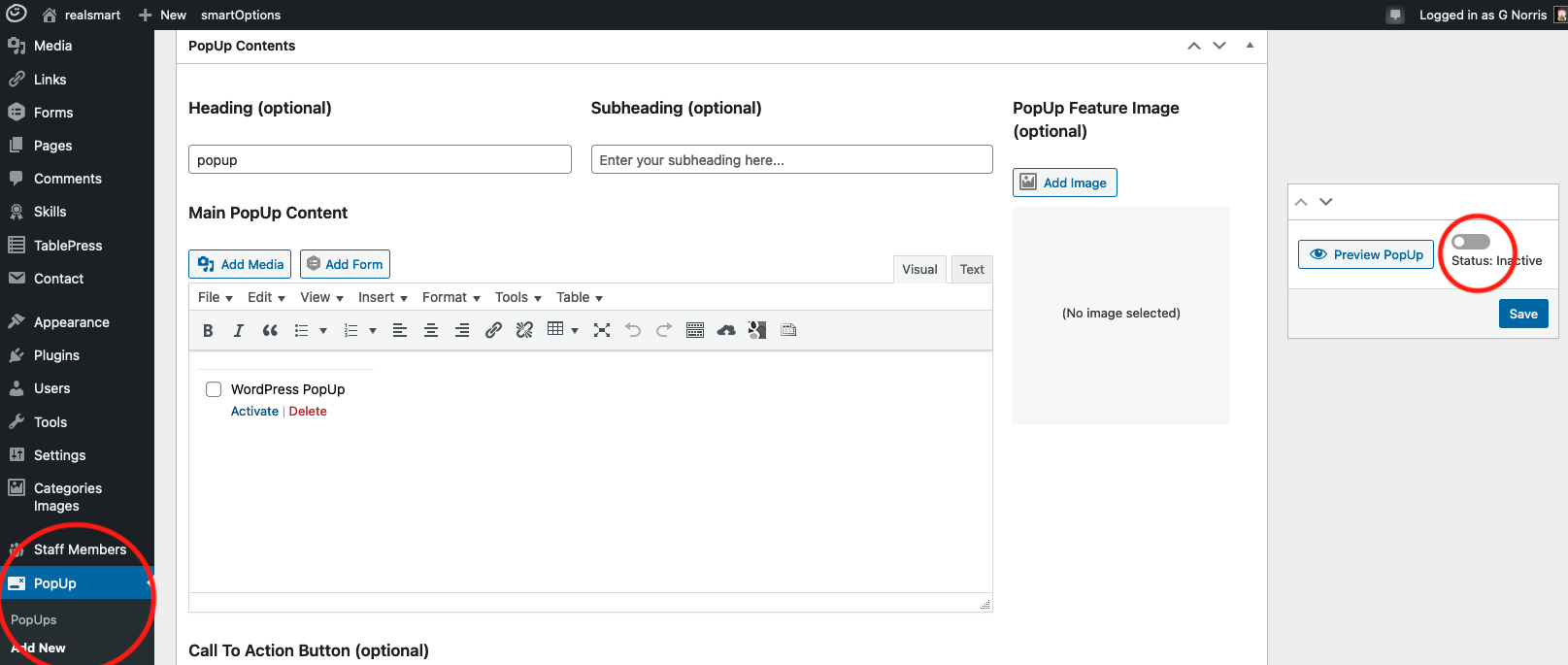
You’ll now see a PopUp icon in your wordpress dashboard menu
Select Add New popup and start creating your popup page-
Give it a PopUp Name, heading, some content like you would a page or post
Choose Display parameters if needed e.g. Visitor is not logged in etc
Toggle the status switch to Active
Save the pop up