

Navigate to "smartOptions" on your Wordpress Dashboard.

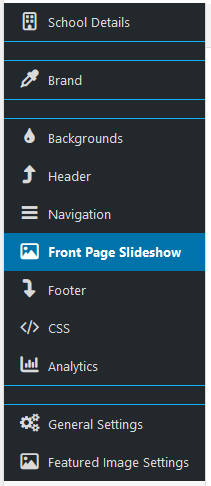
Choose "Front Page Slideshow" in the smartOptions menu.
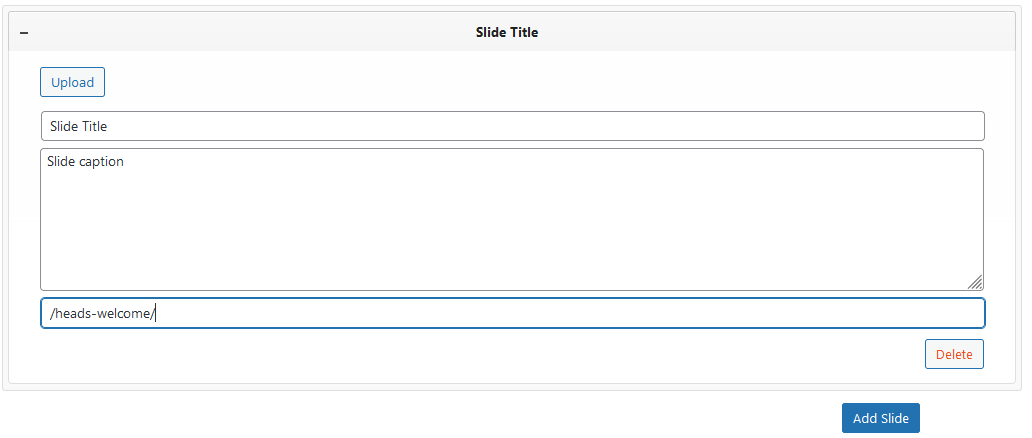
Click on the existing slide or add a new slide, ill out the title, caption, and link destination of the slide, and then click "Upload".
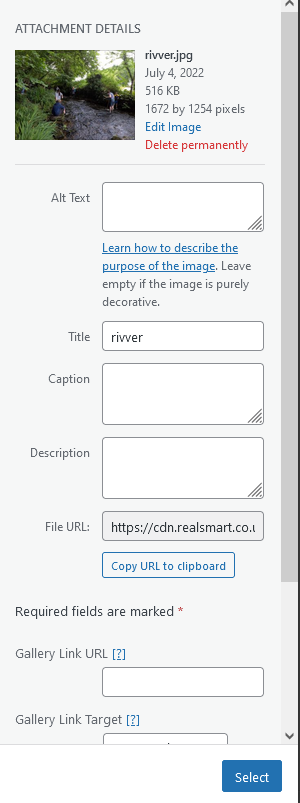
Choose an image from the media library and click "Select".
Click "Save Changes" and then refresh the browser tab on the home page.