

Easily reset passwords en-bulk for users
Navigate to smartadmin here
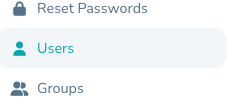
Select "Users" from the side menu
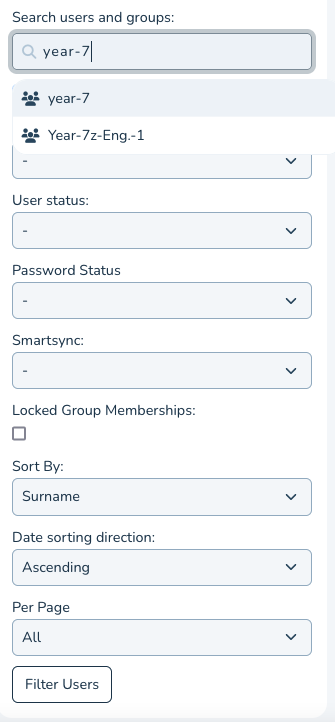
Search for users- e.g. here we have searched for users in 'year-7' and set the number of users to show on the page to 'All'
Select the users OR select All user as screenshot, choose Password Actions > Reset to Default
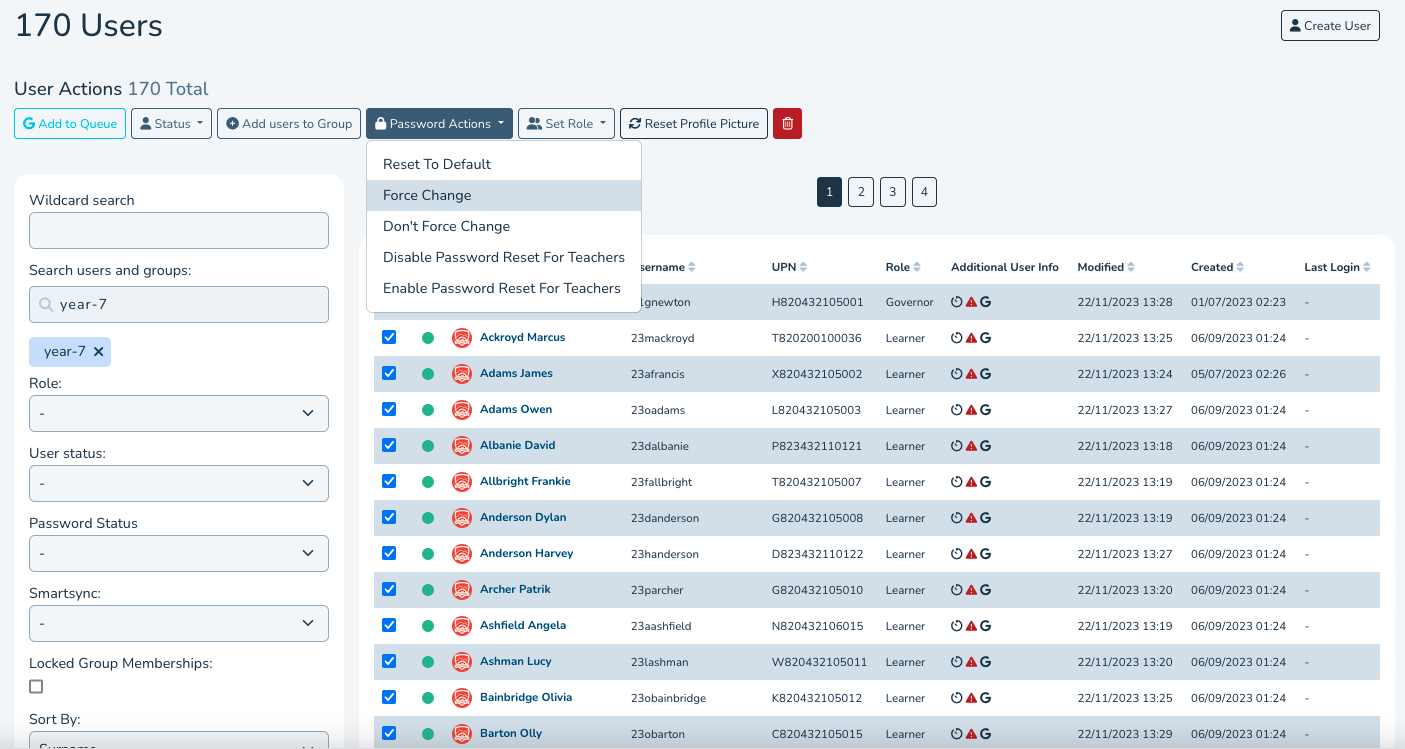
The next time those users sign in they will need to use the school Default password.